August 8th, 2023
New
Improved
Fixed
Updated Nav Bar & New Macro List
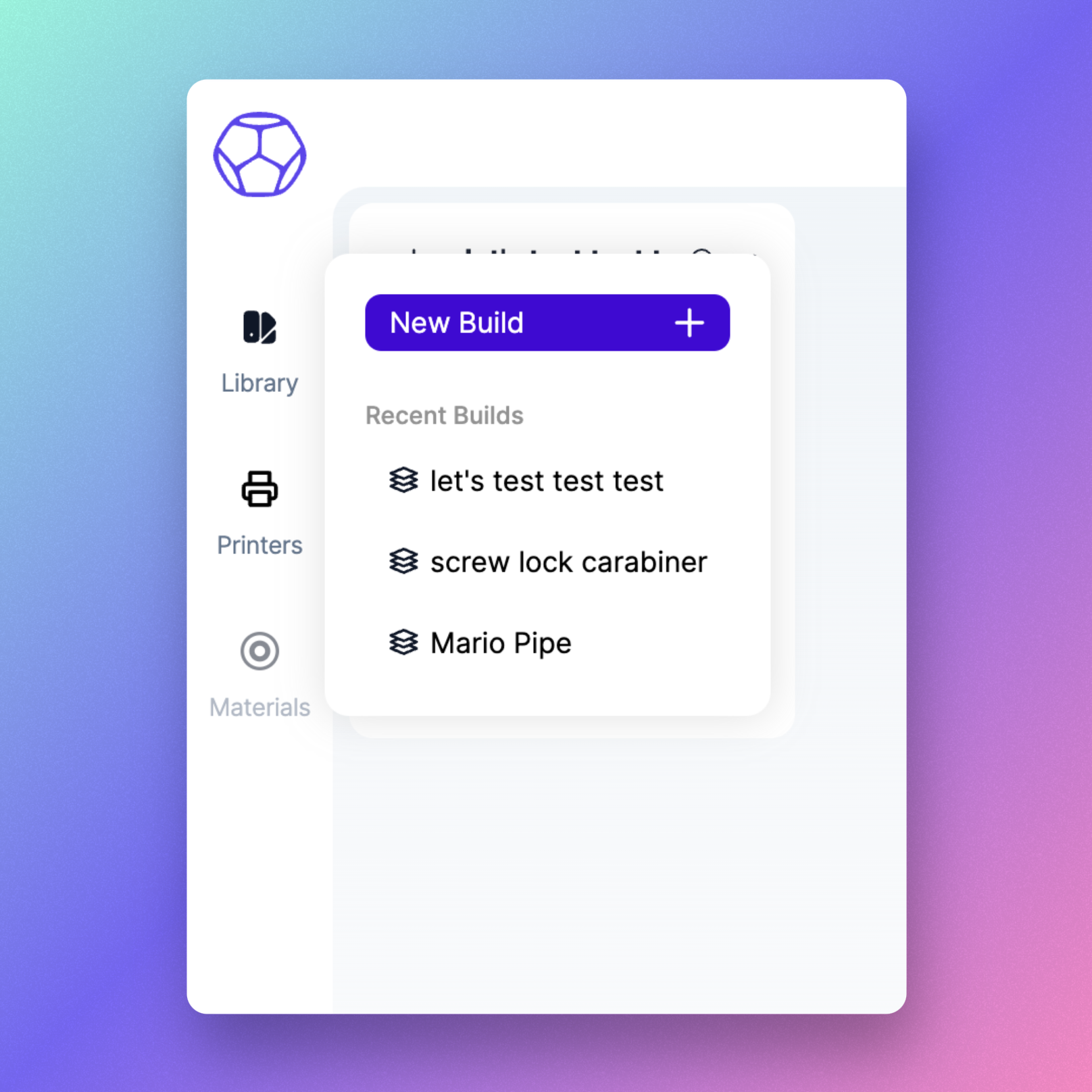
Updated Navigation Bar Design with New Functionality!
We've given our navigation bar a fresh look to make it easier on the eyes and simpler to find your way around. Hover over an item, and you'll see a handy popover with helpful information and quick actions. We hope this update makes your navigation experience smoother and more intuitive!
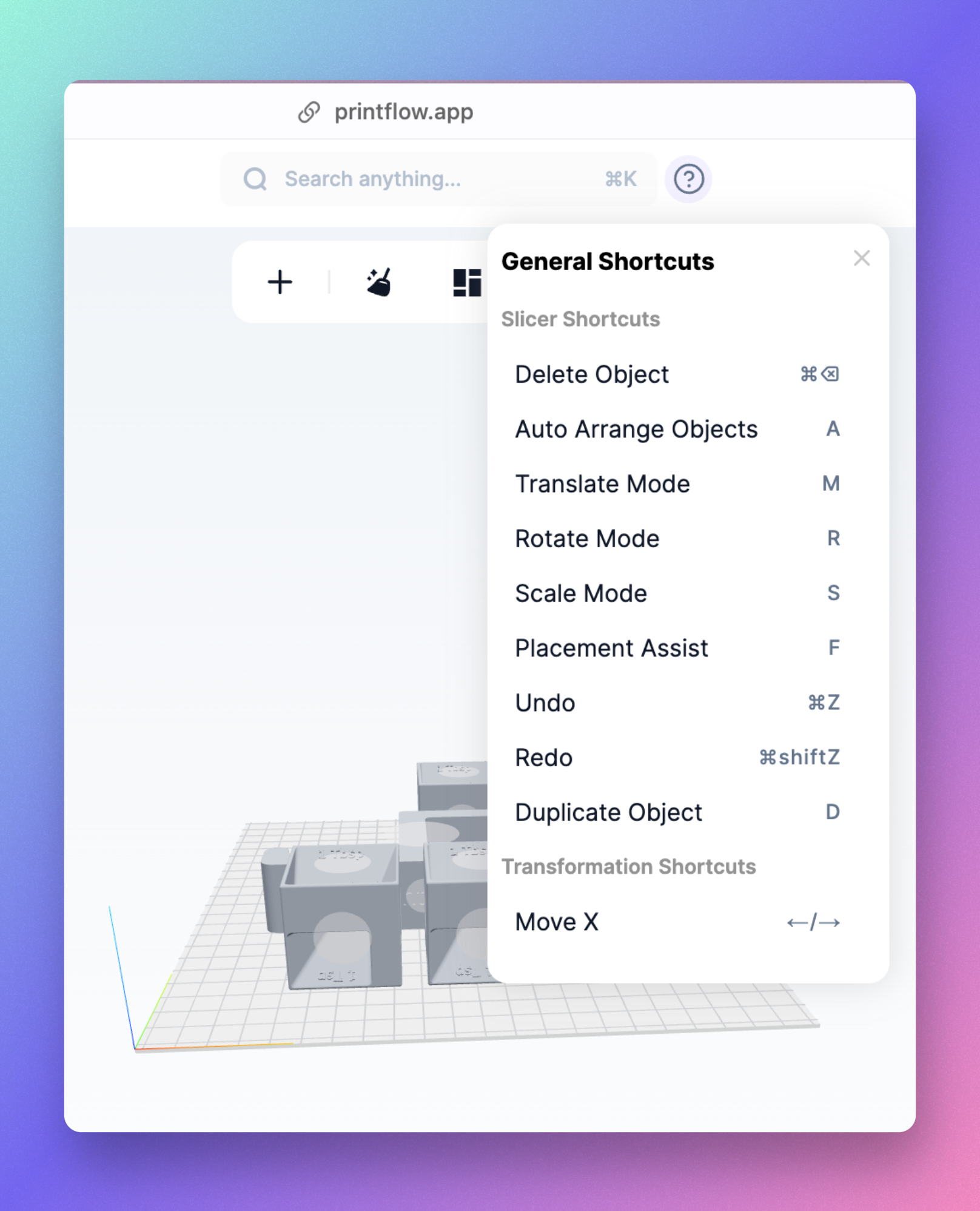
New Macro List & Redesigned Top Bar
We've updated the top bar with a fresh new look, now featuring an easy-to-reach search button that triggers the command menu. Additionally, we've added a much-requested macro list. Simply hover over the question mark button, and all the available keyboard shortcuts will be made visible.
Other Improvements & Fixes
Drag and Drop Multiple Models: You can now drag and drop multiple models simultaneously into a folder.
OS-Specific Keyboard Shortcuts: Keyboard shortcuts are now displayed according to your operating system; ⌘ on Mac and ctrl on Windows/Linux.
Enhanced Undo/Redo in the Slicer: The reliability of the undo/redo function in the Slicer has been improved, resolving issues with 'ghost' actions being logged in the history.
Height Warning Indicator: A warning will now be shown if a model exceeds the build volume's height constraints, in addition to the x and y dimensions.